Scope creep: how to stop it before it sinks your MVP
Scope creep turns a six-week MVP into a six-month one. How to define done, use the prototype as the agreement, and handle new requests without losing the launch date.
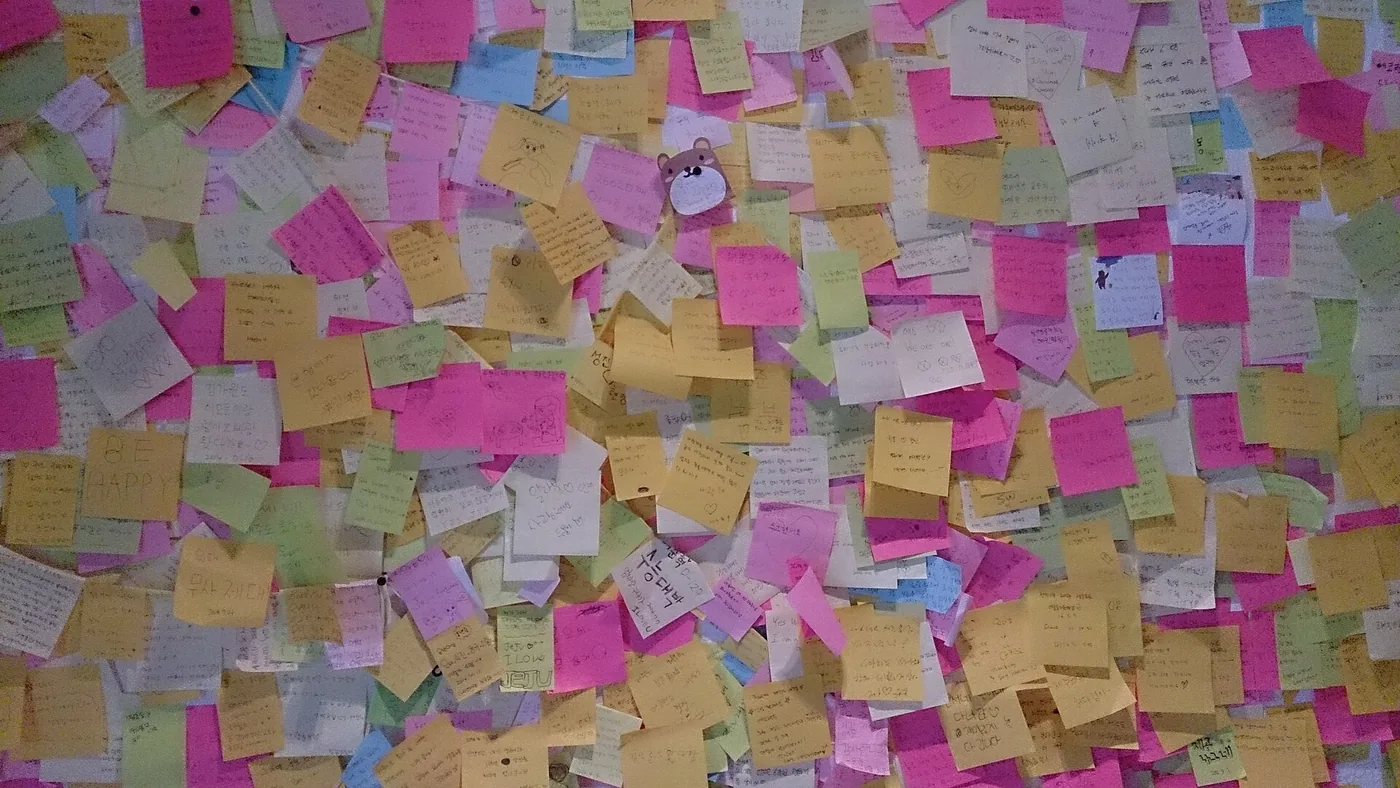
Scope creep rarely arrives as one big change. It comes as a string of small, reasonable requests: one more filter, a second user role, “while we’re at it” settings. Each looks cheap on its own; together they move the launch date, raise the MVP development cost and blur what the product was meant to prove.
Define done before anything is designed
Write the scope on one page: the assumption the MVP tests, the one user and journey it covers, the screens that journey needs, and what is handled by hand for now. If a request doesn’t serve that page, it isn’t part of this release. The guide to scoping an MVP covers how to cut the list.
Make the prototype the agreement
Words leave room for interpretation; screens don’t. Agree a clickable prototype of the core flow before development starts, and treat it as the reference for what gets built. Anything not in it is a change, discussed as one, not slipped in mid-sprint.
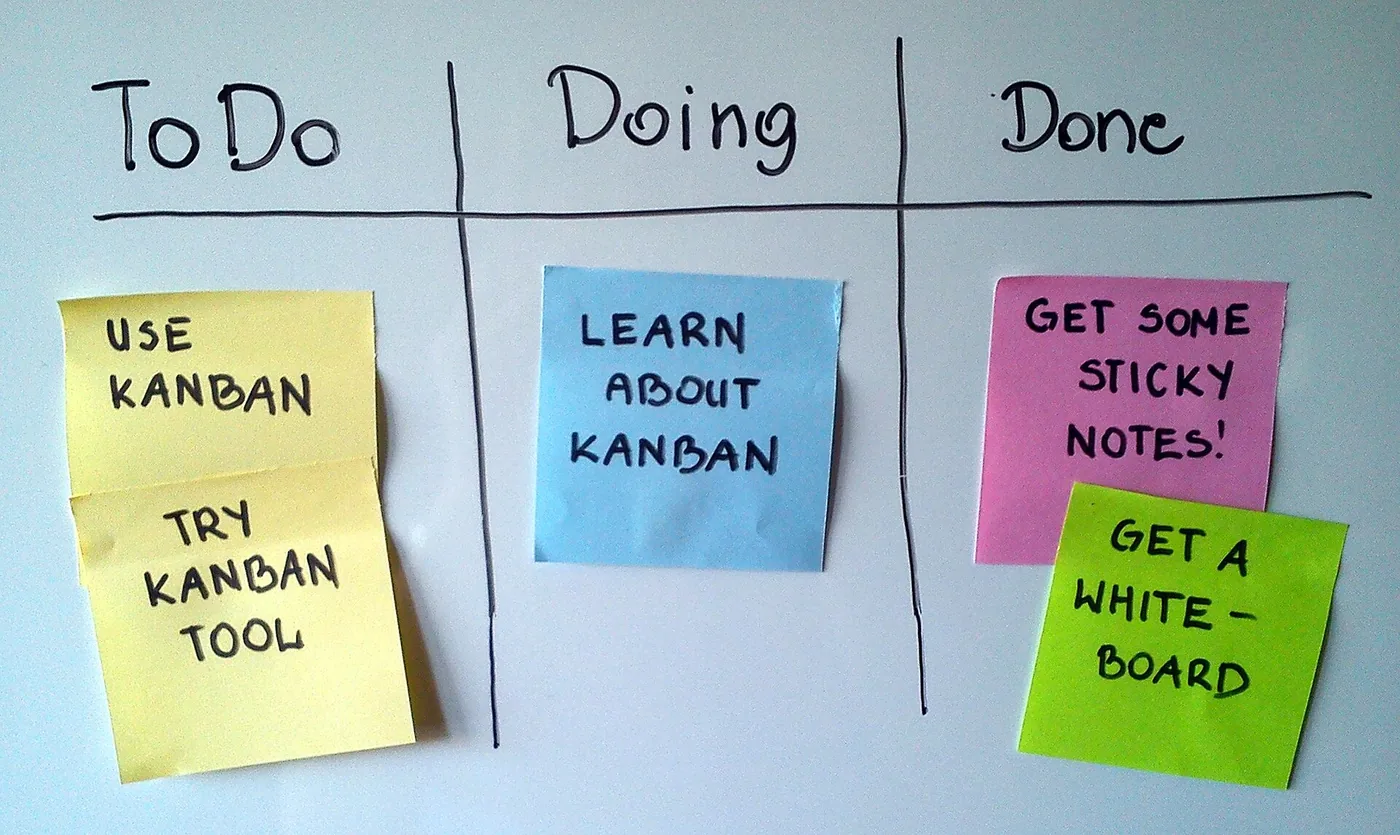
Give every request the same three questions
- Does it test the core assumption? If not, it waits.
- What does it cost in time? Name the days, not just “small”.
- What comes out to make room? With a fixed launch date, something has to give.
Fix the date, flex the scope
Keep the launch date and swap features rather than stretching the timeline. A date that holds keeps everyone honest about what matters most.
Say no with a list
Good ideas that don’t fit go on an after-launch list, with who asked and why. Nothing is lost, and real usage decides what comes next. More on this in MVP design and rapid prototyping.
Photos: Sticky Notes 2 by ProjectManhattan and Simple kanban board by Jeff.lasovski, both CC BY-SA 3.0, via Wikimedia Commons.
Questions about this work? Let’s talk it through.
Set a meeting