Bloom
A happiness app where every smile makes your flower bloom.

- Role
- UI/UX Designer
- Platform
- Mobile
- Software
- Figma
- Design system
- Soft frosted cards, pastel mood colours and an illustrated lotus in three growth stages
Try the prototype
A smile-powered wellbeing app, built from the Figma boards. Pick a mood, then press and hold to smile: the lotus opens stage by stage while sprites drift around it, and closes back to a bud as soon as you stop. Smile to play music, smile along with guided sessions, snap a photo and dress it up with a joke, a filter or a mirror, and check your statistics, reminders and level under Resources.
Keep holding to keep the lotus in bloom. Press anywhere on the music or camera screens, on the lotus itself, or hold the space bar.
The problem
Engagement: wellbeing apps get downloaded and forgotten. The challenge was to keep people coming back until feeling good becomes a habit.
Features
- ·AI monitors each person’s mood and adjusts the feed of music and videos to match
- ·Interactive prototype of the smile, mood check-in and playlist flows, A/B tested before the final UI
- ·Smile to keep your music or video playing
- ·Mood check-in with matched playlists
- ·Levels, “smilestones” and smile statistics
- ·Gentle reminders
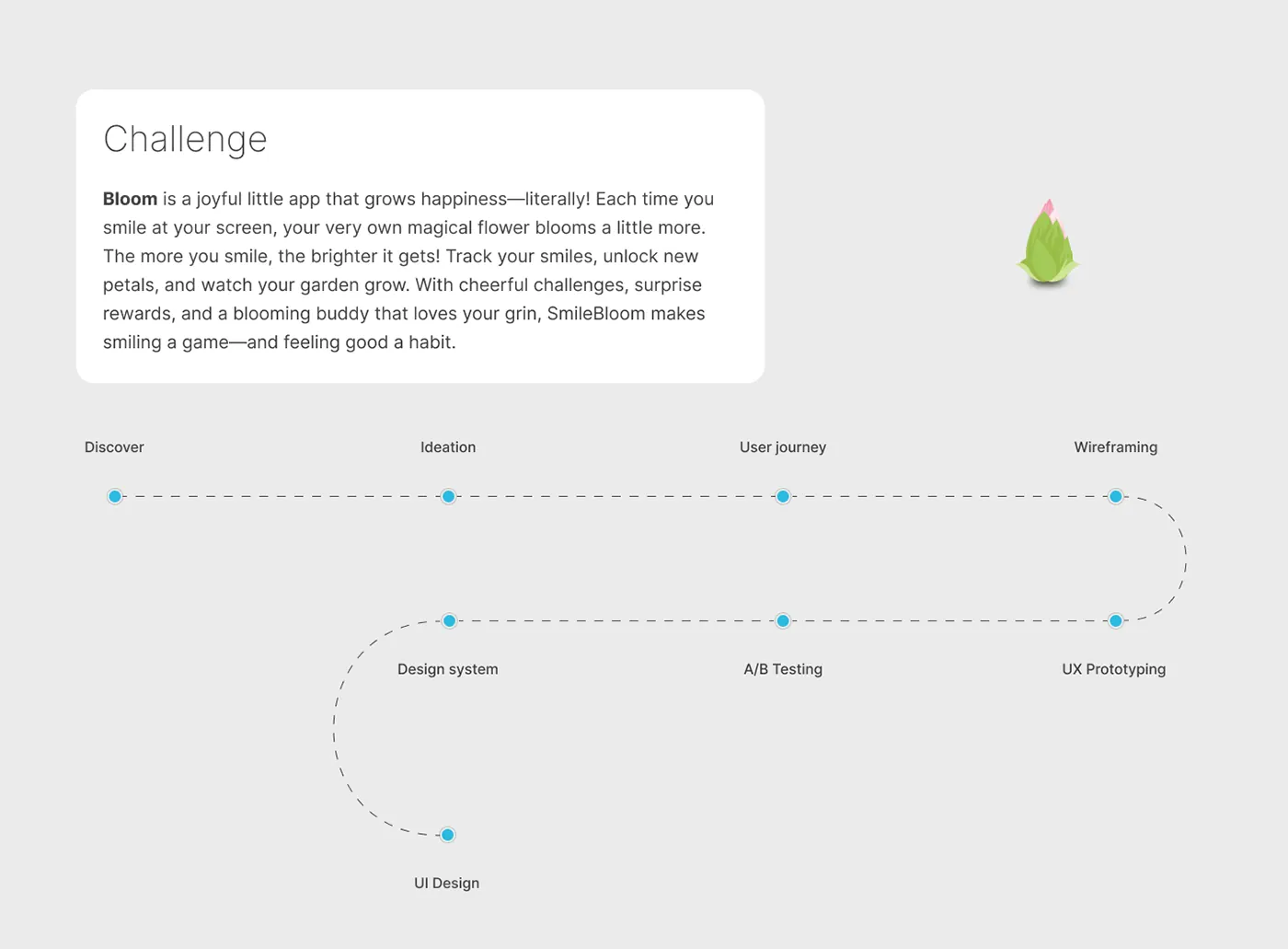
Approach
- 01
Discovery
ProblemWellbeing apps get downloaded, opened a few times and then forgotten.
SolutionFramed engagement as the main issue to solve. The aim became making feeling good a daily habit rather than another task.
- 02
Core mechanic
ProblemProgress needed to feel personal and visible without turning into scores or pressure.
SolutionDesigned a lotus that grows from bud to full bloom in three stages, fed by time spent smiling at the camera.
- 03
Mood check-in
ProblemA low mood rarely comes with an obvious next step, and a blank prompt offers none.
SolutionBuilt a "How are you feeling today?" bubble picker that leads straight to playlists matched to the mood, such as Balance, Funny or Feel good.
- 04
Smile to play
ProblemListening passively to music or video does little on its own to shift how someone feels.
SolutionPlaced a "Smile to play" gate on content, with a live smile timer and count. Guided smiling and a camera mode with jokes add variety.
- 05
Return loop
ProblemOnce the novelty wears off, there is little reason to open the app again.
SolutionAdded levels and "smilestones", daily smile statistics and streaks, and a reminder scheduler with a custom message.
- 06
Visual system
ProblemA happiness app can easily feel loud or childish.
SolutionKept the interface quiet with frosted white cards, soft plant shadows, light type and pastel mood colours, leaving colour to the lotus.



Design library
- Charcoal#34312FText and level ring
- Frost#FAFAFAFrosted cards
- Lotus pink#F2A7BEBloom and progress
- Happy sage#D6E0B4Happy mood
- Surprised blue#A9B6B7Surprised mood
- Angry blush#DCC4C7Angry mood
- Fearful butter#EAD58CFearful mood
- Display · 34/300How are you feeling today?
- Title · 20/500Smile more, feel better.
- Body · 15/400You should smile for 2 more minutes today
- Caption · 12/40012 tracks
Lotus progress dial
The flower on its plate grows with every smile; the orbit tracks today's goal.
- Dial
- Lotus
- Plate
- Goal orbit
- Progress knob
Mood bubble
Emotion bubbles in the check-in, sized by how often each mood is logged.
- Bubble
- Mood label
Smile to play prompt
Pauses the track or video until the camera sees a smile.
- Paused media
- Prompt card
- Label
- Smile cue
- Hold progress
Level and smilestone ring
Current level and smilestone, with the ring filling toward the next level.
- Ring
- Disk
- Level progress
- Label
- Level number
- Smilestone count