App design for iOS, Android and cross-platform apps
I’ve designed mobile apps for telehealth, education, events, fintech and commerce, and built my own for Android and React Native. The focus is always the same: the few things people open the app to do, made quick and obvious.
What this involves
- 01App concept, user flows and navigation
- 02iOS and Android UI in Figma, following platform conventions
- 03Onboarding and retention flows
- 04A component library the development team can reuse
Where I’ve done it
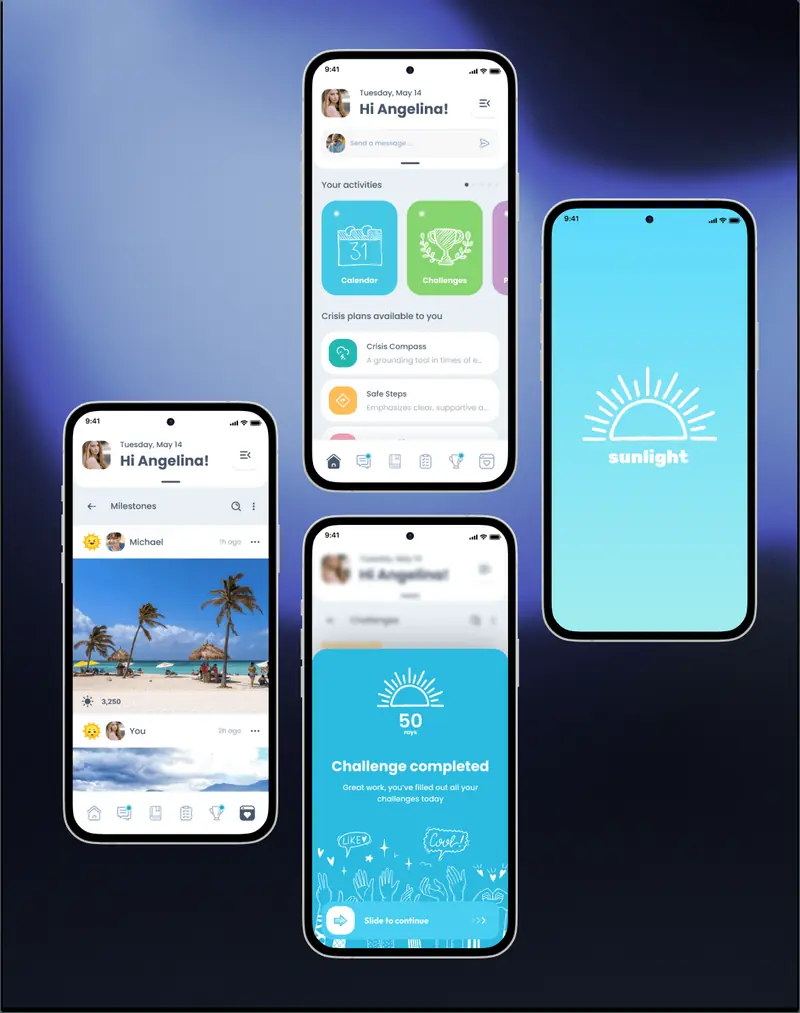
- 01Sunlight and Bloom, mental health apps for teenagers and young adults
- 02ThutoTime, live lessons for schools with poor connections
- 03Focus98 and Hasty, apps I designed and built myself
How I work
Mobile apps live or die on the first few screens, so the main journeys get designed and tested first.
- 01Map the journeysOnboarding, the core loop and the moments people come back for
- 02WireframesStructure and navigation for iOS and Android before visual design
- 03UI and prototypeFinal screens with platform conventions, linked into a prototype to test on a phone
- 04HandoffComponents, states and specs ready for developers
Related work
All projects →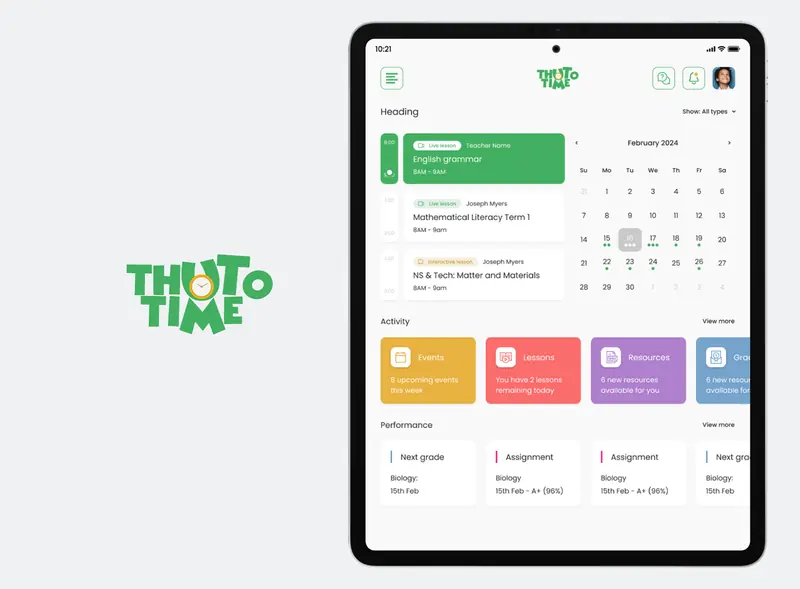
What clients say
5.0 from 73 reviews on Upwork ↗
Connor B. · Mobile app and web app for an eCommerce site · May 2025“It has been a pleasure working with Florin, and we’re happy he said “yes” to our project. He was our #1 pick based on other feedback we read, and our experience was fantastic. Florin is talented, patient, a good listener, and is highly qualified to take on any project. He has become a true partner and is an excellent collaborator. He’s a seasoned pro!”
Case studies
Questions
How do you design an app from scratch?
From the idea and its users, then through flows, prototypes and final screens ready for development.
Do you design for both iOS and Android?
Yes, usually from one shared design system with platform-specific details where they matter.
Should an app be designed for web or mobile first?
Start where users do the core task. Use on the go usually means mobile first; desk work such as dashboards and admin usually means web first, with a mobile fallback.
Other areas
- UI/UX designResearch, user flows and interface design for SaaS platforms, dashboards and consumer apps.→
- MVP designScoping MVPs to the flows that prove the idea, launch-ready UI and an interactive prototype developers can build from.→
- Rapid prototypingInteractive prototypes for apps and SaaS: clickable in Figma and Framer, or functional in code with AI tools, ready for user testing in days.→
- Embedded product designWorking embedded in product teams: design leadership, hands-on UI/UX and a design system the whole team builds with.→
- Design systemsComponent libraries, design tokens and documentation that keep a product consistent after handoff.→
- AI product designAI UX and user interface design for AI apps, chatbots, assistants and agents: showing model results, confidence and next steps so people can act on them.→
- UX auditUX audits: heuristic evaluation, usability testing and a prioritised list of fixes.→
Let’s talk it through
30 minutes on Google Meet, at a time that suits you.